Live courses are one of the ways you earn on Tutorac. Here’s a high-level look at how earnings work and where to manage them.
In this article
How you earn from live courses
When learners enrol in and pay for your live course batches, you earn from that training. The more strong, well-reviewed courses you run, the more opportunities you create to earn.
Tracking your earnings
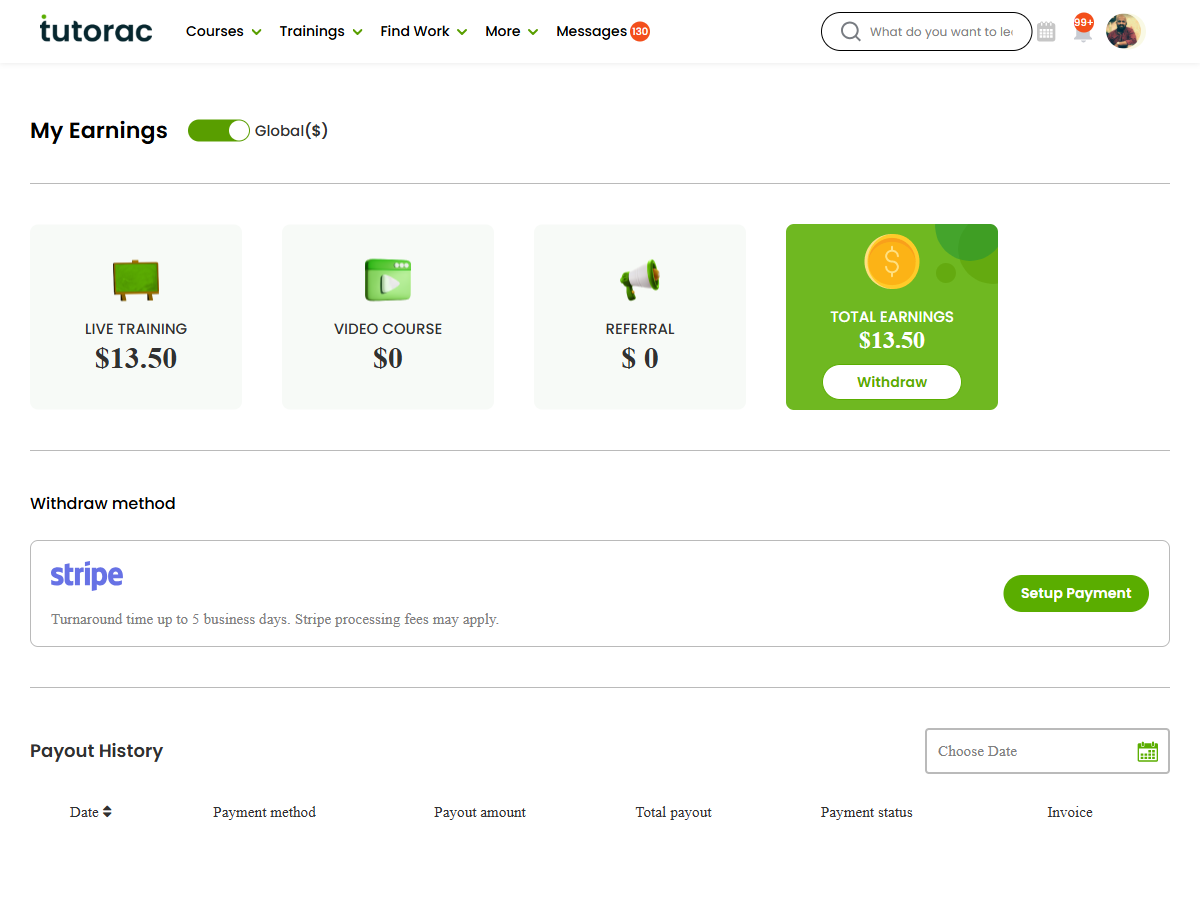
Open My Earnings from the profile menu to see your earnings in one place. This is where you review what you’ve earned across your training activity on Tutorac.
Getting paid out
Payouts go to the bank details on your profile, so make sure your Bank Details are complete and accurate. See the Earnings & Payouts section for how payouts work in detail.
Pricing, taxes, and more
How you price your training and any discounts you offer are covered in the Pricing & Discounts section. For tax-related details and your financial documents, see the Taxes & Financial Documents section.
FAQs
Where do I see my earnings?
Open My Earnings from the profile menu.
How do I get paid?
Payouts use the Bank Details on your profile. Keep them up to date. The Earnings & Payouts section explains the process.
Where do I set my course price?
Pricing and discounts are covered in the Pricing & Discounts section.
Related articles
- Creating a live training course: an overview
- Publishing, scheduling, and managing your live course batches
- Setting up your live course details, features, and curriculum
Last updated: 8 June 2026