Live training courses let you create, schedule, and deliver interactive sessions to groups and individuals. This overview shows how to start one and what the course builder includes.
In this article
- What a live training course is
- Starting a new live course
- The course builder steps
- Course status and saving
- FAQs
What a live training course is
A live training course is interactive, scheduled training you deliver to groups and individuals — as opposed to a self-paced video course. You build the course once, then run it with learners through batches. (For self-paced video courses, see the Video Courses section.)
Starting a new live course
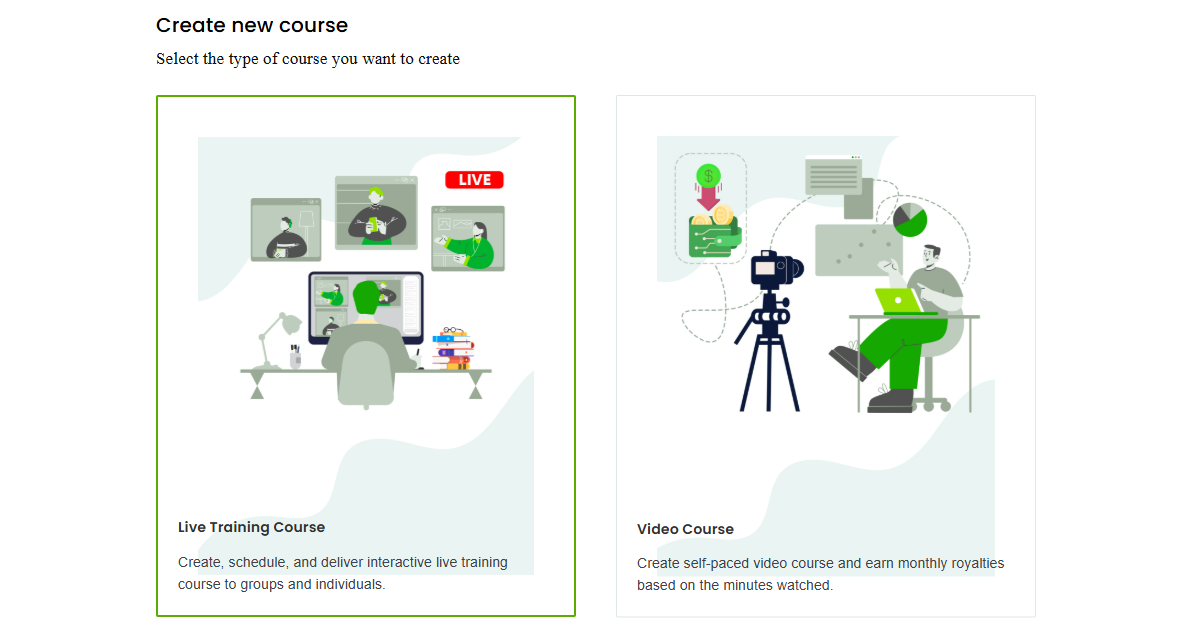
From your dashboard, choose Create Course. On the selection screen, pick Live Training Course (“Create, schedule, and deliver interactive live training course to groups and individuals”) and click Next to open the course builder.
The course builder steps
The live course builder is organised into steps:
- Details — course title, description, level, category, sub-category, skills, and one-to-one tutoring option.
- Features — who the course is for and what learners will achieve.
- Video — an introduction video and a thumbnail image.
- Curriculum — your sections and topics.
The next article walks through each step in detail.
Course status and saving
Each course has a Course Status of Active or Inactive, so you control whether it’s available. Use Update Course to save your changes. You can also Delete Course if you no longer need it. New courses you’re still building appear under your Draft courses until they’re ready.
FAQs
What’s the difference between a live course and a video course?
A live training course is delivered interactively in scheduled sessions. A video course is self-paced and pre-recorded. This section covers live courses; see Video Courses for the other.
Can I offer one-to-one tutoring on a live course?
Yes — the Details step has an Allow One-To-One Tutoring option to accept one-to-one requests for that course.
Where do my courses appear after I create them?
Under your courses list, grouped into Active and Draft. From there you can view and edit each course.
Related articles
- Setting up your live course details, features, and curriculum
- Publishing, scheduling, and managing your live course batches
- Earning from live courses on Tutorac
Last updated: 8 June 2026