Tutorac messaging works in two contexts. Knowing which to use keeps conversations organised and easy to find later.
In this article
Global Messages
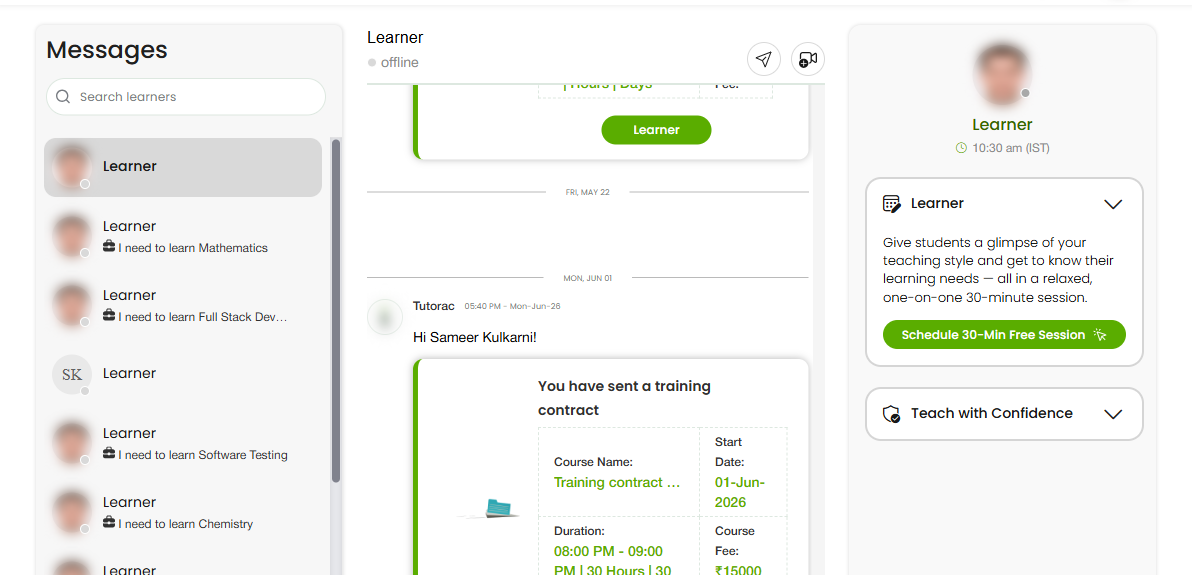
Global Messages are your general conversations — for example, early enquiries from prospective learners or messages that aren’t tied to one particular class. They live in your main Messages area.
Class Messages
Class Messages are tied to a specific class or batch you’re running. They keep all communication for that group in one place, alongside the work you’re delivering.
Which to use
- Use Global Messages for general or pre-enrolment conversations.
- Use Class Messages for anything specific to an ongoing class so it stays with that group.
FAQs
Can I message a learner before they enrol?
General conversations happen in Global Messages.
Where do class-specific chats go?
In Class Messages, tied to that class or batch.
Why keep them separate?
It keeps each class’s communication together and easy to find.
Related articles
- Messaging on Tutorac: an overview
- Drive access and your resource library
- Sharing teaching materials with learners
Last updated: 8 June 2026