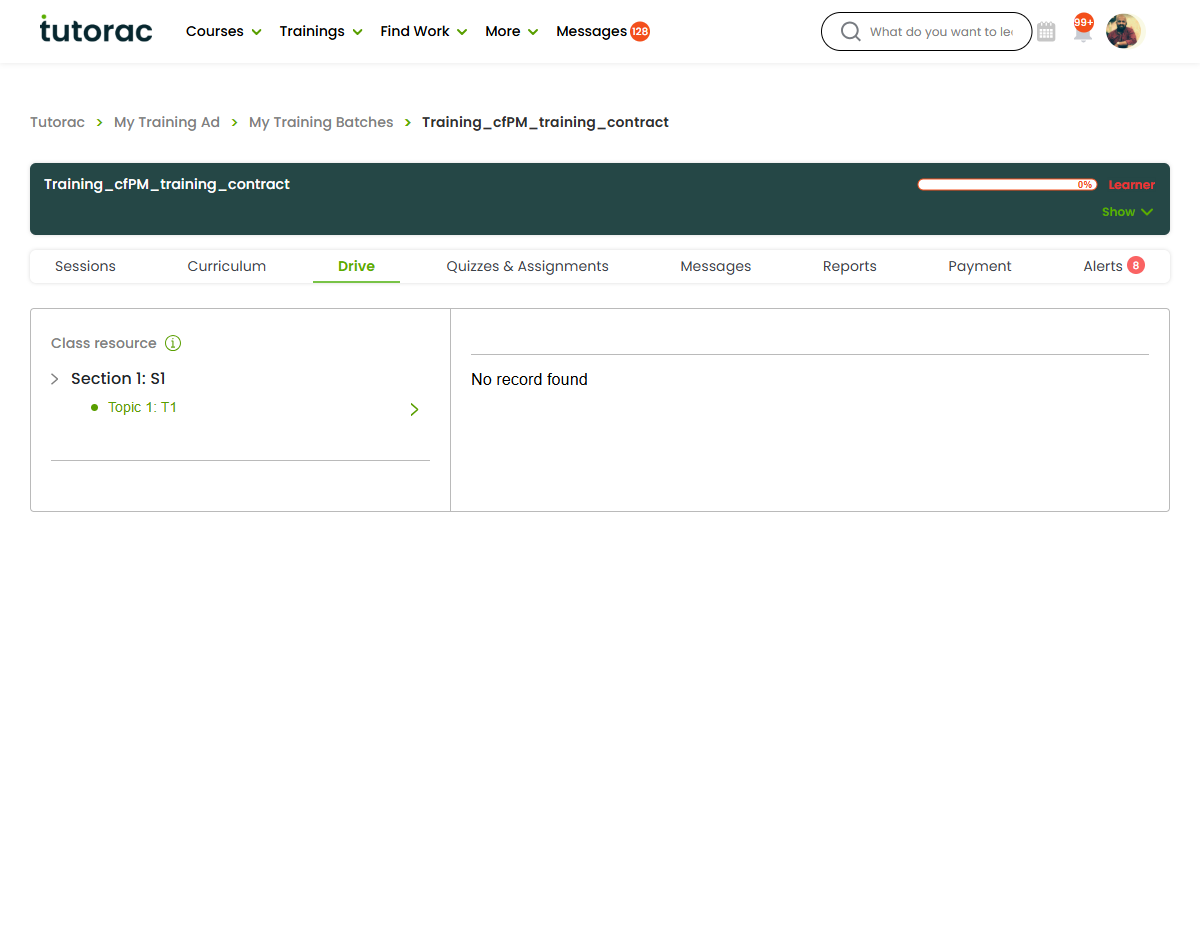
Your teaching materials and shared files have a home on Tutorac. This article explains Drive access and your resource library at a glance.
In this article
What the resource library is for
Your resource library is where teaching materials connected to your training live — the files you use and share as part of delivering a course.
Drive access
Drive access lets you reach the materials tied to your training so they’re available when you need them. Use it to keep the resources for your classes in one place.
Keeping it organised
- Use clear, descriptive file names.
- Keep only current versions to avoid confusion.
- Group materials by the class or topic they belong to.
FAQs
What goes in my resource library?
The teaching materials and files connected to your training.
How do I share these with learners?
See “Sharing teaching materials with learners.”
I can’t find something — what should I do?
If a file you expect is missing, contact support@tutorac.com.
Related articles
- Sharing teaching materials with learners
- Messaging on Tutorac: an overview
- Global Messages vs Class Messages
Last updated: 8 June 2026