Tutorac gives you reports to track your income and activity. Keeping these helps with your own records and tax preparation.
In this article
My Earnings
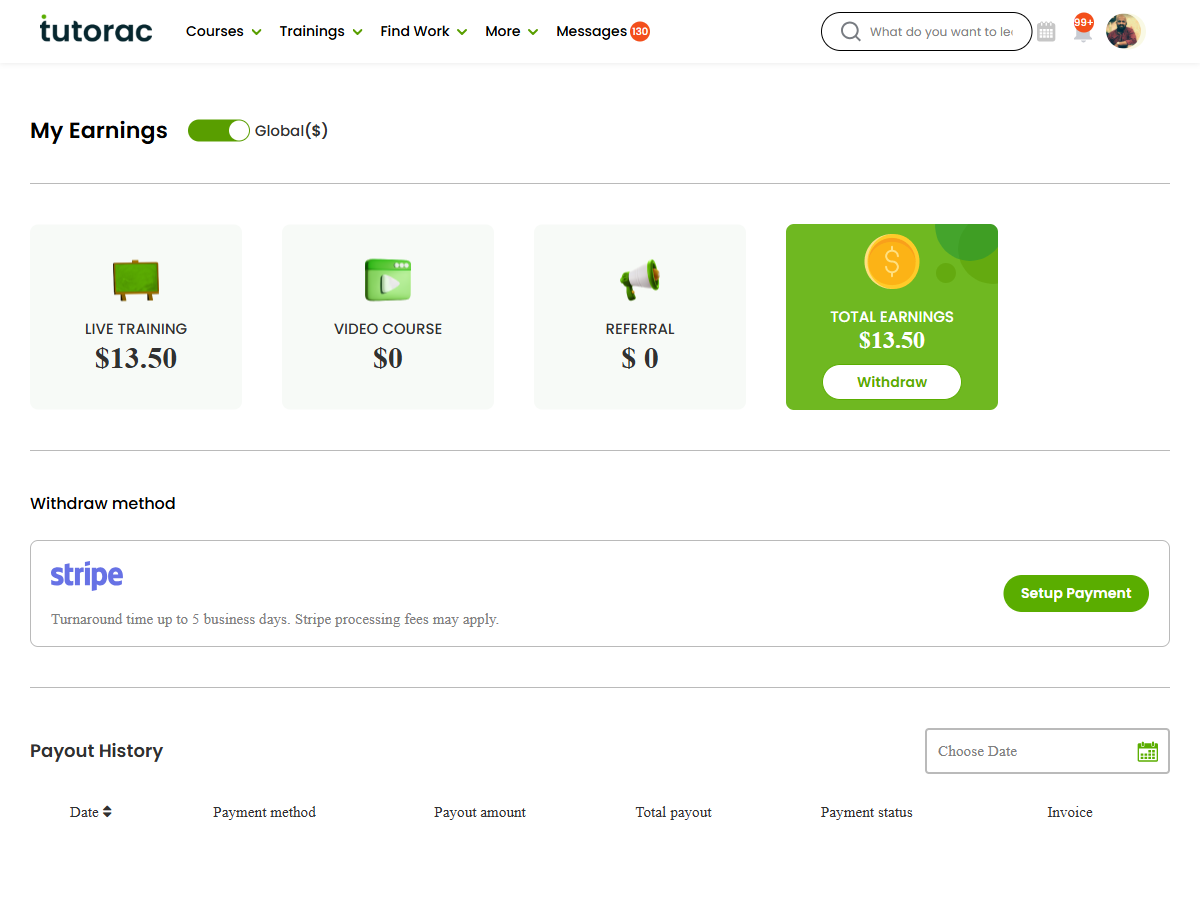
Your central view of income is My Earnings, where your live training and video course earnings come together. See “Tracking your earnings.”
Reports in your account
Your account also includes activity and earnings reports, such as:
- Live Training Earnings — earnings linked to your training ads and engagements.
- Ad Posting Reports — activity relating to your ads.
You’ll find these in the reports area of your account, alongside the dashboard links for your ads.
Keeping records
Keep your own copies of the figures you’ll need at tax time. If you need a specific document that you can’t find, contact support@tutorac.com.
FAQs
Where do I see my income?
Under My Earnings, with more detail in your account reports.
What reports are available?
These include Live Training Earnings and Ad Posting Reports.
I need a document I can’t find — what do I do?
Contact support@tutorac.com.
Related articles
Last updated: 8 June 2026