My Earnings is your hub for seeing what you’ve made across all your training and courses. This article explains where to find it and what it covers.
In this article
Opening My Earnings
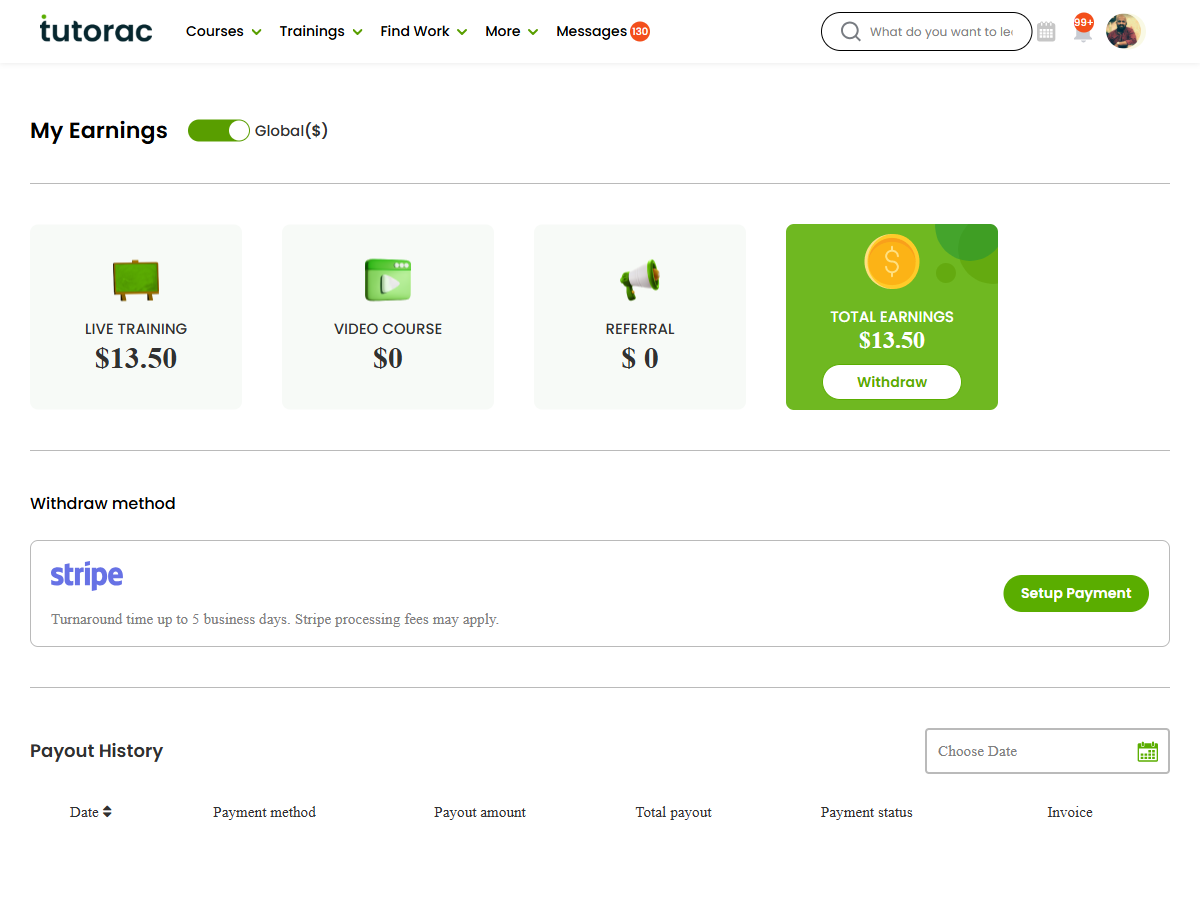
Open the profile menu and choose My Earnings. This is your central place to review what you’ve earned on Tutorac.
What it covers
My Earnings brings your income together in one view, so you can see how your training and courses are performing over time rather than checking each engagement separately.
Your earning sources
- Live training — from the courses and engagements you deliver.
- Video courses — monthly royalties based on the minutes learners watch.
For how each is calculated, see the Live Courses and Video Courses sections.
FAQs
Where do I see my earnings?
Under My Earnings in the profile menu.
Does it include both live and video courses?
Yes — it brings your earning sources together in one place.
How do I get this money paid out?
Through your payout details. See “Setting up payouts: your Bank Details” and “How and when you get paid.”
Related articles
- Setting up payouts: your Bank Details
- How and when you get paid
- Your earnings balance and the Tutorac Wallet
Last updated: 8 June 2026