Creating a video course on Tutorac follows an easy, guided process. Here’s how to plan, record, build, and publish your course.
In this article
- Plan your course
- Record your lessons
- Build the course step by step
- Publish and update
- Tips for quality
- FAQs
Plan your course
Before recording, decide what your course covers, who it’s for, and the outcomes learners will gain. A clear outline of topics keeps your lessons focused and easy to follow.
Record your lessons
Record your video lessons in clear, well-lit segments with good audio. Breaking content into focused lessons makes it easier for learners to follow and return to specific topics.
Build the course step by step
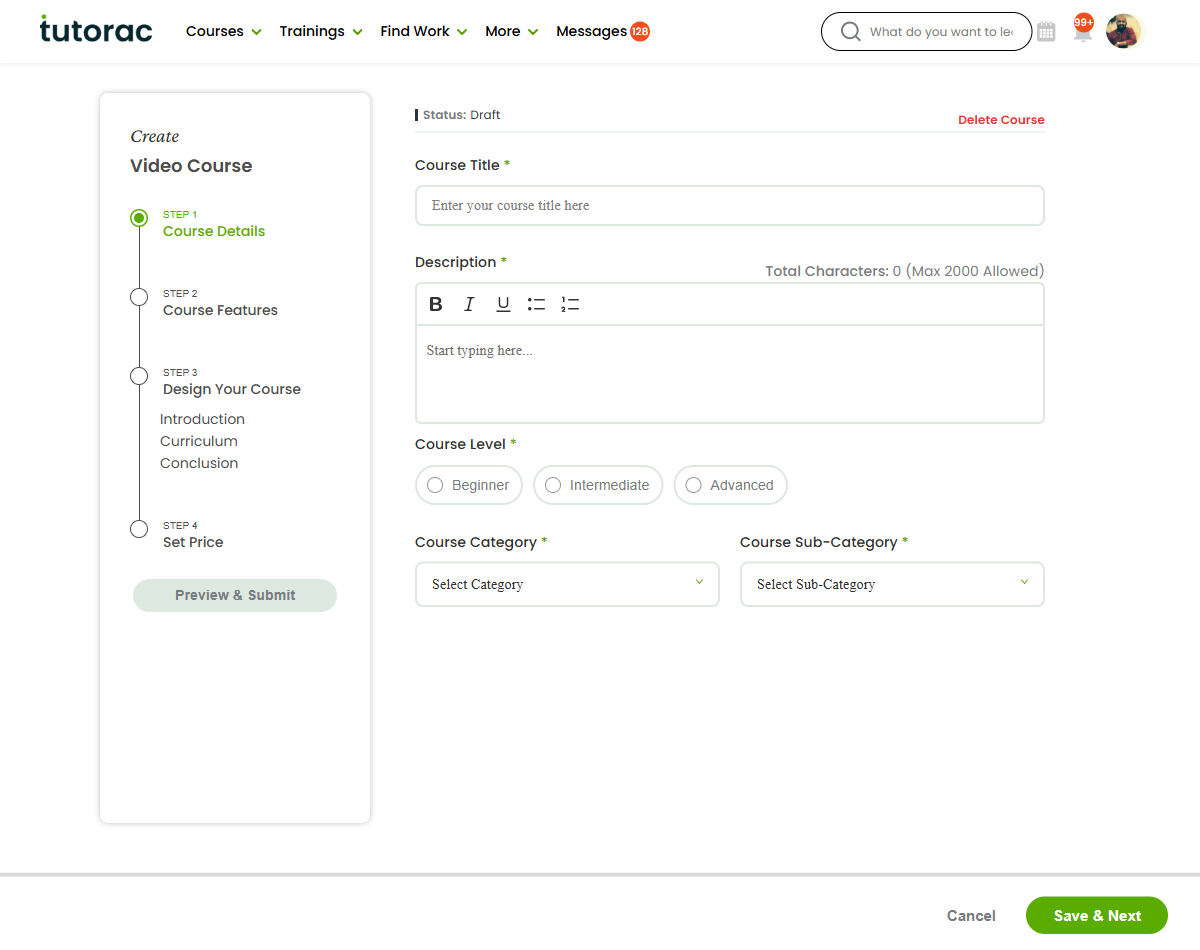
Start from Create Course → Video Course, or Video Courses → Create Video Course. Tutorac guides you through the process step by step — you’ll add your course information and upload your video lessons as you go. Follow the on-screen steps and save your progress as you build.
Publish and update
When your course is complete, publish it so it becomes available to learners in your video library. You can return to your course later to update or improve it.
Tips for quality
- Keep lessons concise and on-topic.
- Use clear titles so learners can navigate easily.
- Check your audio and video quality before publishing.
- Add value early — strong opening lessons keep learners watching.
FAQs
Do I have to finish the course in one sitting?
No. The builder is step by step, so you can save your progress and continue later.
Can I edit my course after publishing?
Yes. Open your course from Video Courses to update it.
How does watch time matter?
You earn royalties based on minutes watched, so engaging, well-structured lessons help your earnings. See “Earning royalties from your video courses.”
Related articles
- Creating a video course: an overview
- How learners access your video courses
- Earning royalties from your video courses
Last updated: 8 June 2026