Video courses let you record once and earn over time. This overview explains what a video course is, how it differs from a live course, and how to start creating one.
In this article
- What a video course is
- Video course vs live course
- Starting a video course
- A guided, step-by-step process
- FAQs
What a video course is
A video course is a self-paced, pre-recorded course that learners watch on their own schedule. You record and publish it once, and it stays available in your video library for learners to access over time.
Video course vs live course
The key difference is how you deliver and earn:
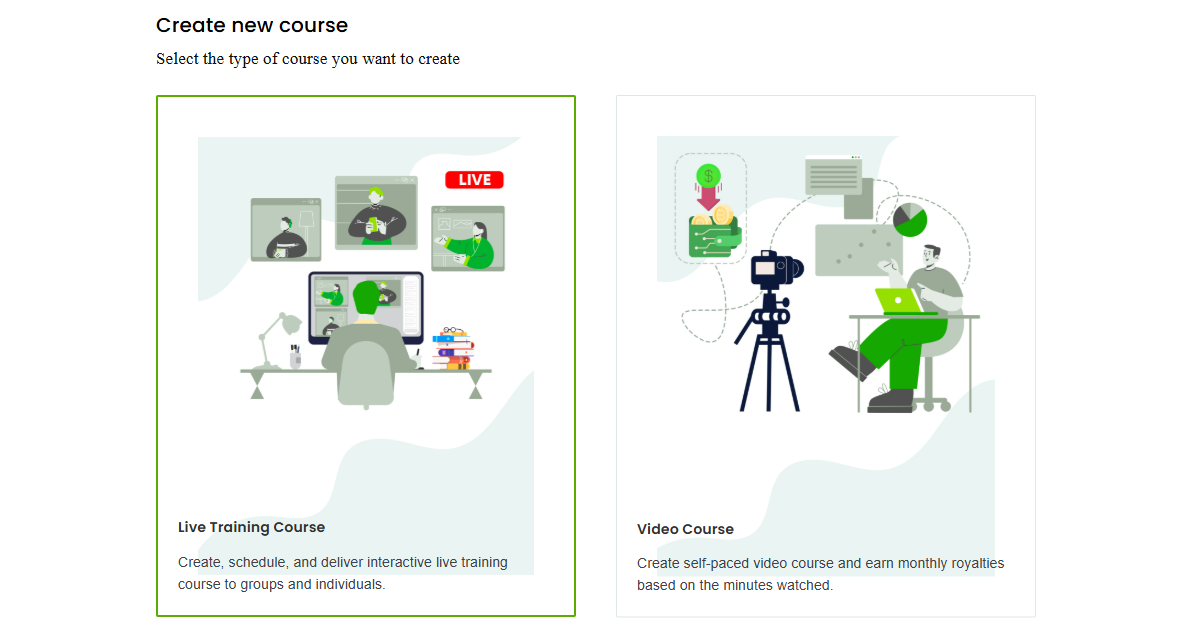
- Live training course — interactive sessions you schedule and deliver to learners in batches.
- Video course — self-paced and pre-recorded; you earn monthly royalties based on the minutes learners watch.
For live courses, see the Live Courses section.
Starting a video course
There are two ways to begin:
- From your dashboard, choose Create Course and select Video Course on the selection screen.
- Or open Video Courses from the Courses menu and choose Create Video Course.
A guided, step-by-step process
Tutorac walks you through creating a video course with an easy step-by-step process, even if it’s your first one. The next article covers recording and publishing your course.
FAQs
Do I teach video courses live?
No. Video courses are pre-recorded and self-paced. If you want to teach live, create a live training course instead.
How do I earn from a video course?
You earn monthly royalties based on the minutes learners watch. See “Earning royalties from your video courses” for details.
Where do I start?
Use Create Course → Video Course, or Video Courses → Create Video Course.
Related articles
- Recording and publishing your video course
- How learners access your video courses
- Earning royalties from your video courses
Last updated: 8 June 2026