Offers and Training Contracts are how a proposal becomes confirmed work. This article explains the two directions an agreement can come from and what a Training Contract is.
In this article
What a Training Contract is
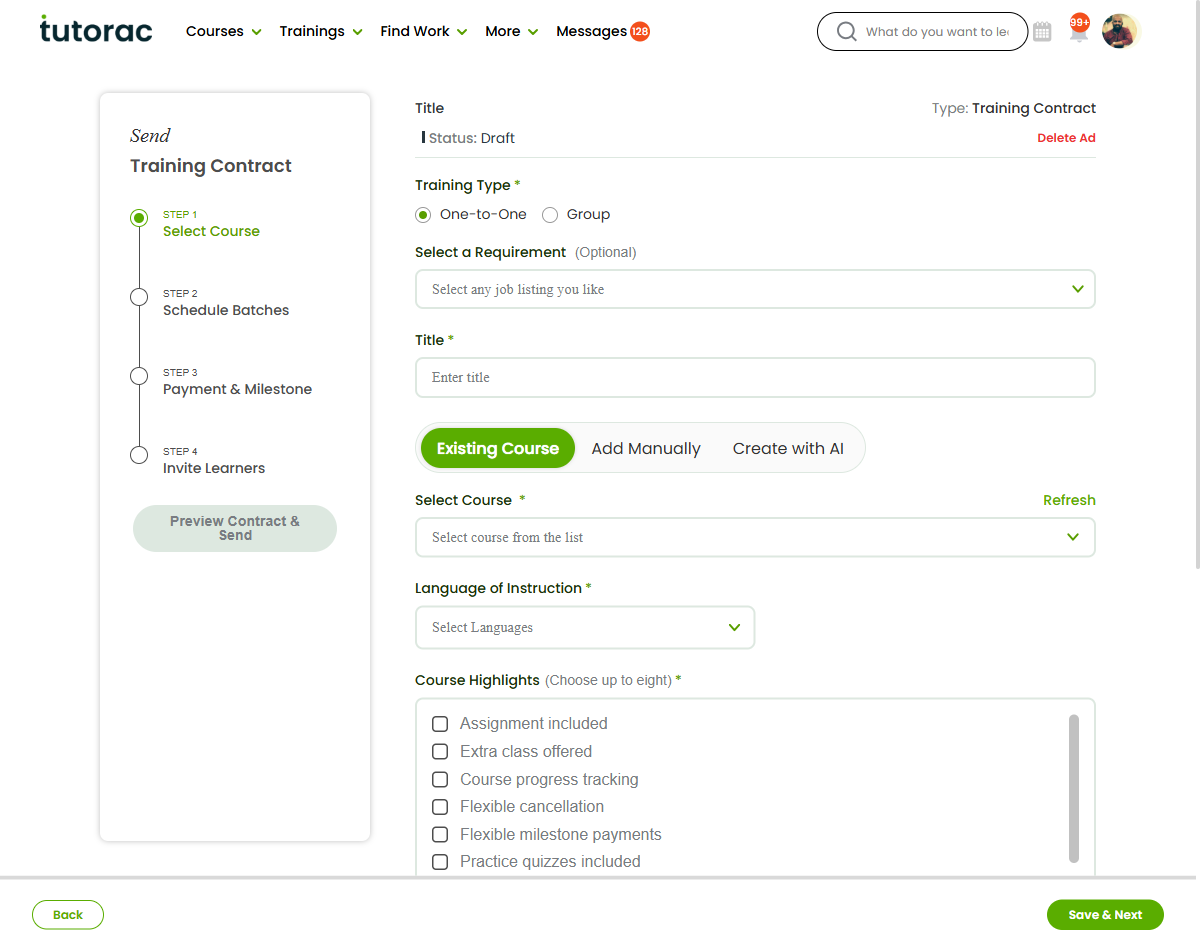
A Training Contract is the agreement that sets out the training you’ll deliver to a learner. Once it’s agreed, the work is confirmed and you move from applying to teaching.
Two ways an agreement starts
- You send a Training Contract — after submitting a proposal, you can send the learner a contract to formalise the work.
- The learner sends you an offer — a learner can make you an offer, which you then review and accept.
Either path ends the same way: an agreed contract and a confirmed (Hired) engagement.
Where to track them
Everything is visible under My Proposals, using the Sent Contracts, Offers Received, and Hired tabs. See “Tracking your proposals and invitations” in the Training Jobs & Proposals section.
FAQs
Who starts the contract — me or the learner?
Either of you. You can send a Training Contract, or a learner can send you an offer to review and accept.
When is the work confirmed?
Once the contract or offer is accepted, the engagement shows as Hired.
Where do I see my contracts and offers?
Under My Proposals, in the Sent Contracts, Offers Received, and Hired tabs.
Related articles
- Sending a Training Contract to a learner
- Receiving and accepting an offer
- Negotiating terms before you commit
Last updated: 8 June 2026