How you price your training shapes who hires you and what you earn. This article explains where your pricing comes into play on Tutorac.
In this article
- Your rate is yours to set
- Reading the learner’s budget
- Where pricing is confirmed
- Fees and earnings
- FAQs
Your rate is yours to set
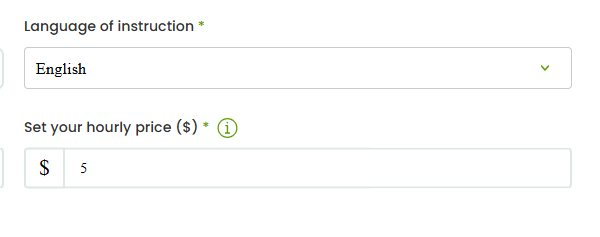
You decide what to charge for your training. Your rate should reflect your experience, the subject, and the value you deliver to learners.
Reading the learner’s budget
Training posts in Find Work show an Estimated Budget — the hourly rate range the learner has in mind. Use it to judge fit and to pitch a rate that works for both of you.
Where pricing is confirmed
Pricing is agreed as part of the offer or Training Contract for an engagement. Discuss it with the learner first, then make sure the final contract or offer reflects what you agreed. See the Offers & Contracts section.
Fees and earnings
For how your earnings are calculated and paid, see the Earnings & Payouts section. Tutorac’s fees are explained in the pricing and earnings sections of your account.
FAQs
Who sets my price?
You do. The learner’s Estimated Budget is guidance, not a fixed price.
Where is the final price recorded?
In the offer or Training Contract you and the learner agree to.
Can I offer a discount?
Yes. See “Offering discounts with coupons.”
Related articles
Last updated: 8 June 2026