Tutorac Video Courses are expert-led, on-demand IT courses you watch at your own pace. This article gives you a quick tour of what’s available, how to access them, and how the experience is organised.
In this article
- What are Tutorac Video Courses?
- Course categories
- Two ways to access videos
- Finding videos in the platform
- FAQs
What are Tutorac Video Courses?
Tutorac Video Courses are self-paced, expert-led IT courses delivered as cinematic video lessons. Each course is built around a structured curriculum with chapters, topics, and an end-of-course completion certificate. The library currently includes 750+ courses across the most in-demand IT skills.
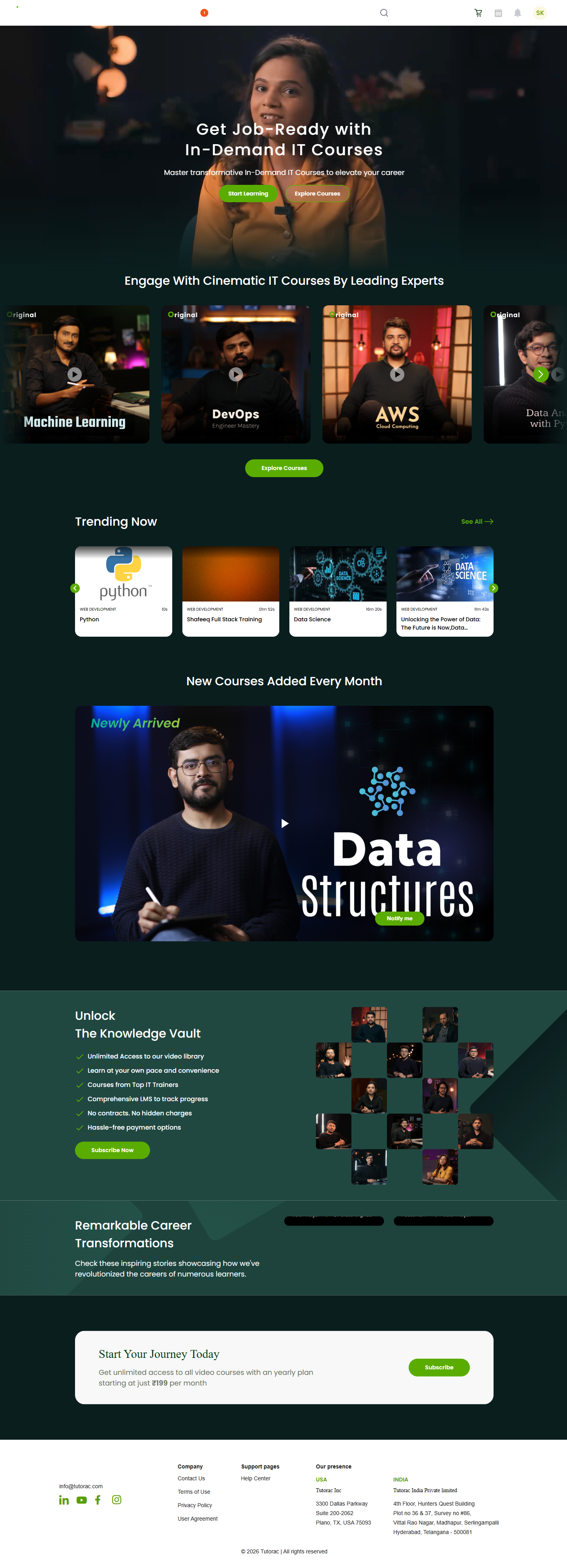
Course categories
Video Courses are organised into the following categories so you can navigate by skill area:
- Cloud Computing
- Data Science & AI
- IT Software
- Multimedia
- Software Development
- Web Development
Two ways to access videos
You can access Tutorac videos in two ways:
- Subscription — one plan, unlimited access to every video course in the library.
- Individual purchase — buy a single course with Add to Cart or Buy Now and keep it.
You can mix and match — for example, start with the subscription to explore the catalogue, and buy a specific course you want to keep long-term.
Finding videos in the platform
From your dashboard, hover the Videos nav item in the top bar. You will see a dropdown with three options:
- Home — the Video Courses landing page with curated highlights.
- All Courses — the full catalogue with category filters and search.
- My Courses — your watch history, bookmarked courses, and purchased courses.
FAQs
Do I need a subscription to watch any course?
Not necessarily. You can buy a single course individually without subscribing. The subscription unlocks the entire library at a flat monthly or yearly rate.
Are video courses different from live courses on Tutorac?
Yes. Live courses are scheduled training sessions with a tutor at a set time. Video Courses are pre-recorded and self-paced — you watch on your own schedule.
What devices can I watch on?
You can watch Video Courses on any modern web browser — desktop, laptop, tablet, or phone. There is no separate app required.
Do I get a certificate?
Yes. Each course offers a completion certificate when you finish all the chapters. See the article on completion certificates for details.
Related articles
- Subscription vs individual purchase: which is right for you?
- How to subscribe to Tutorac Video Courses
- How to buy a single video course
Last updated: 29 May 2026